How to Redeem Sled Surfers Codes
Find the gift code menu, enter promos correctly, and fix the errors that waste free rewards.
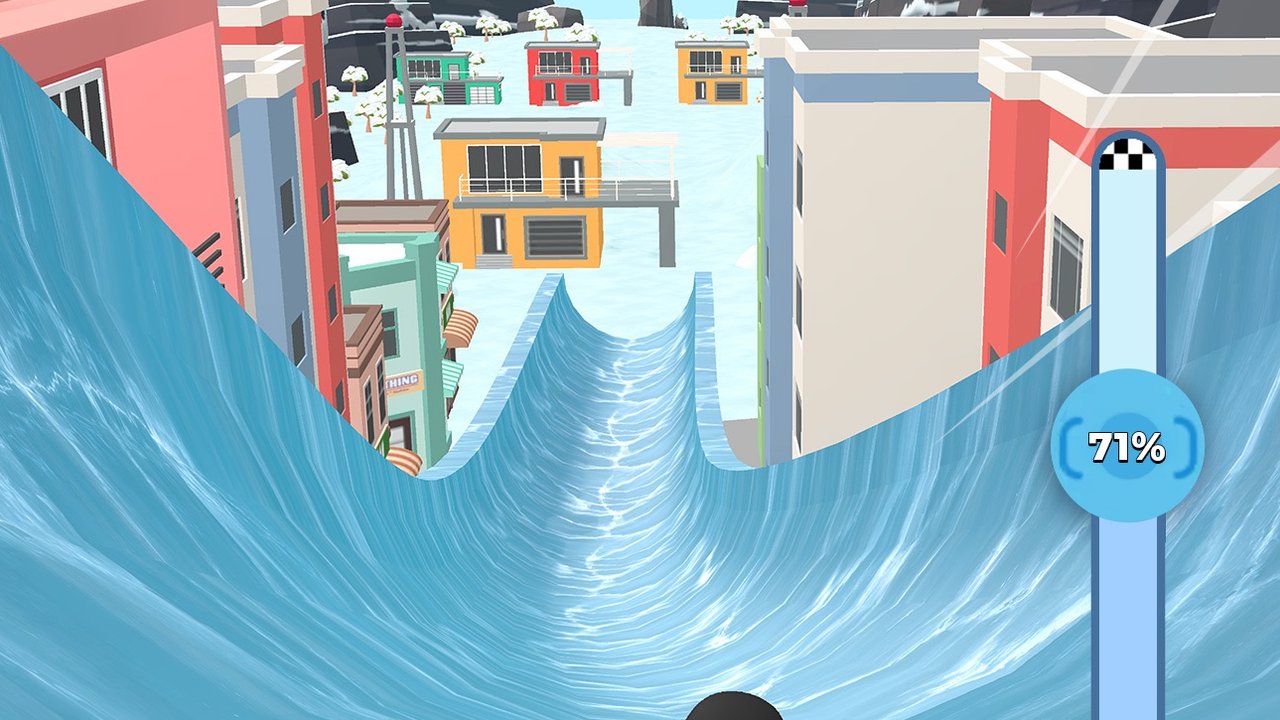
Redeeming Sled Surfers codes is simple once you know which menu CrazyLabs hid the gift field behind. This guide walks through the iOS and Android flow, what success looks like, and how to recover when the button is missing or the code rejects. Keep the active codes list open in another tab so you can paste each string carefully.
Codes are a free progression shortcut. They work best when you immediately spend the coins or tickets on Income and sled performance instead of cosmetics. After a successful redeem, open the upgrade planner so the gift actually shortens the next hard level.
Before you redeem
- Update Sled Surfers from the App Store or Google Play.
- Connect to a stable network — offline mode can hide mail rewards.
- Finish or quit your current run so menus are responsive.
- Copy one code only from the codes hub.
- Disable aggressive clipboard cleaners that strip characters.
If you just installed the game, complete the short onboarding slingshot tutorial first. Some accounts only show redeem options after the first successful launch sequence. New players should also skim Getting Started so rewards are spent on the right upgrades.
Step-by-step redemption
On iPhone or iPad
- Open Sled Surfers.
- From the hub or pause menu, tap the profile icon, gear, or event banner.
- Look for Redeem, Gift Code, Promo, or a ticket/gift icon.
- Paste or type the code exactly as listed — no spaces before or after.
- Confirm. Wait for the success toast or mailbox item.
- Open mail / rewards and claim the grant before starting a new run.
On Android
- Launch the Google Play build of Sled Surfers.
- Open the same profile, settings, or event entry points.
- Select the redeem field and paste the code.
- Confirm and claim from the reward screen.
- If nothing appears, force-close the app, relaunch, and check mail again.
Menu labels can shift after seasonal UI updates. When Halloween or Christmas events are live, the redeem entry sometimes sits near the event shop rather than settings. Check both places before assuming the feature was removed.
Success checklist
A good redeem usually shows one of these signals:
- Immediate coin, ticket, or booster popup
- A mailbox entry with a claim button
- A temporary 2x or event buff icon on the hub
If you see success but inventory looks unchanged, leave the hub, start a short endless run, then return. Some rewards apply on the next session refresh. Pair fresh coins with advice in upgrades and income so you do not dump everything into cosmetics.
Troubleshooting failed codes
| Symptom | Likely cause | What to try |
|---|---|---|
| Invalid code | Typo or expired string | Re-copy from codes, check 0/O and 1/I |
| Already redeemed | One-per-account limit | Skip to the next code |
| No redeem button | Outdated build or locked tutorial | Update app, finish intro, restart |
| Network error | Offline / airplane mode | Reconnect, then reopen the menu |
| Reward missing | Mail not claimed | Open mailbox; relaunch once |
Airplane mode is useful later for reducing ads during practice runs, but turn networking on when redeeming. Community tip videos often show players redeeming online, then grinding offline — that order matters.
After you redeem
Spend rewards in this order when you are stuck:
- Income — raises blue chest payouts the most.
- Sled performance — helps clear the next progress-bar wall.
- Slingshot — improves launch consistency.
- Cosmetics / alternate surfers — only after the three performance lines feel healthy.
Use the sled tier list if you unlocked a new ride, and tips and tricks to convert the speed into longer air time. When a specific stage still fails at the same percentage, jump to hard levels.
Safety notes
Only redeem codes inside the official CrazyLabs app. Never install “mod APK” clients that promise infinite codes or tickets — those builds are unofficial and unsafe. Store purchases and refunds go through Apple or Google, not this wiki. For patch timing that often accompanies new code drops, watch updates.
Related pages: controls, characters, and the players review hub for store rating context.
Frequently Asked Questions
Quick answers to the most common Sled Surfers questions.
Where is the Sled Surfers redeem button?
Check profile, settings, events, or the gift/ticket icon on the hub. Seasonal UIs sometimes move it next to the event shop.
Can I redeem the same code twice?
Usually no. Most gift codes are limited to one successful redeem per account.
Do I need internet to redeem?
Yes. Stay online long enough for the validation and mailbox sync, then you can practice runs offline if you prefer.
What should I buy after redeeming?
Prioritize Income, then sled performance, then slingshot. Save cosmetics for later.