Sled Surfers Updates
Patch themes, seasonal drops, and what to re-test after CrazyLabs ships a new build.
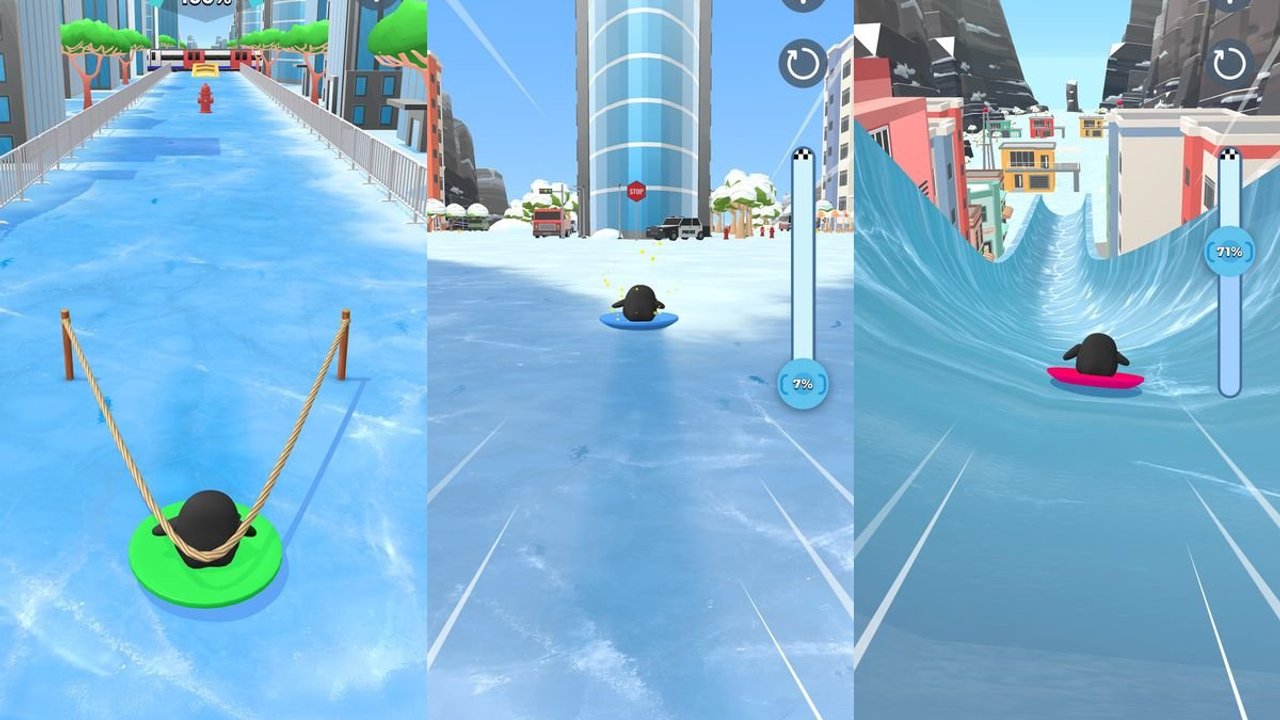
Sled Surfers receives ongoing mobile updates: new levels and snowy trails, seasonal sleds, bug fixes, and performance polish. This hub summarizes how to read those patches as a player who cares about codes, upgrades, and hard stages — not as a raw changelog mirror. After any major update, re-check codes, the sled tier list, and your fail percentage habits from hard levels.
Recent version context (2025–2026)
Store listings in late 2026 reference builds around 1.13.x (Play 1.13.5 around 22 Oct 2026; iOS notes near 1.13.3). The 1.13.5 store blurb is “Less bugs, more speed” — performance, fewer crashes, more responsive sled feel. Earlier notes players care about include:
- New levels / awesome levels waves that expand the challenge ladder.
- Ramps, tricks, and new snowy trails language from mid-cycle updates.
- Holiday and Halloween offers that rotate sleds, characters, and IAP bundles.
- Bug-fix and smoothness patches that reduce hitching on dense city segments.
Exact patch letters change by storefront. Always trust the in-app “What’s New” text on your device for the build you installed.
Latest patch snapshot (October–November 2026)
| Build signal | What players should do |
|---|---|
| 1.13.5 “Less bugs, more speed” | Retest hitchy city stages and hard fail points |
| Seasonal / holiday offers | Buy performance sleds before FOMO cosmetics |
| Chart pressure (~26M Play installs) | Expect more ads tuning; keep chest discipline |
After installing, run one endless warm-up, then open the upgrade planner before spending a fresh ticket stack. New players returning after a break should skim Getting Started again.
What to do after updating
- Launch once online so assets and mail sync.
- Look for a new redeem entry or event banner (how to redeem).
- Open the shop and note new sleds before spending — compare with sleds.
- Play one endless warm-up to feel timing changes.
- Retry your stuck challenge with the progress-bar method.
- Skim tips and tricks if ramps were retuned.
Seasonal update playbook
Holiday patches often add cosmetics and limited offers. Enjoy them, but keep the upgrade planner rules: Income before FOMO skins. If an event requires a character unlock, buy it, finish the event, then resume performance spending (characters).
Performance and bug-fix patches
When notes mention smoother rides or fewer bumps, retest hard levels you abandoned due to hitching. Sometimes the “skill issue” was a hitch on a busy street. Keep controls warm either way.
Codes and updates
New codes often appear near milestones and seasonal launches. Bookmark the codes hub and verify after each store update day.
How this wiki tracks changes
We refresh strategy pages when systems change — chest timing, upgrade order, or control prompts. Mechanical truths like “flips boost speed” come from CrazyLabs store copy and tend to persist. For release facts and platforms, see the wiki overview. For player sentiment about grind and ads, see players.
Suggested reading after a patch
- Getting Started if you are returning after a break
- Upgrades and income if economy UI moved
- Guides hub for the full map
- Tools hub for checklists
Update day is a chance to reclaim stuck percentages — if you re-test deliberately instead of rage-spending tickets the moment the download ends.
Frequently Asked Questions
Quick answers to the most common Sled Surfers questions.
How often does Sled Surfers update?
CrazyLabs ships ongoing mobile patches for levels, trails, seasonal content, and bug fixes. Check your store listing for the newest build.
What should I do after a new update?
Sync online, check codes and new sleds, warm up in endless, then retry your stuck level with a plan.
Do updates reset my upgrades?
Normal patches keep progression. Always confirm in-game after updating; contact CrazyLabs support for account issues.
Where can I see official patch text?
Use the App Store or Google Play What's New section for your installed version.